GearPix Plugin - Local mode
<< back to plugin documentation
Local mode allows the plugin to receive pictures from the mobile app or added directly from the computer.
Note: Local mode doesn’t require to be logged in, except for sending pictures via the cloud.
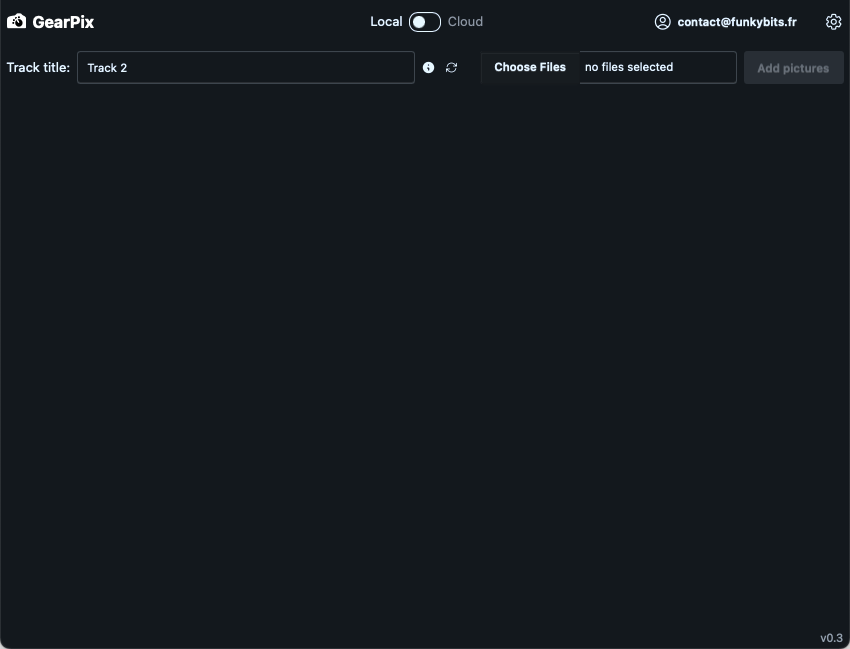
Track title
The track title is imported from the DAW if the capability is present (DAW dependant).
Add from the plugin
Click on “no files selected” next to “Choose Files”. Select one or more pictures and then click on “Add pictures”. You don’t need to be logged in or even create an account for this free functionality.
Add from the mobile app
There is two ways to send pictures:
- Via the local network.
This is the tracks identified by the WiFi icon in the app.
If the icon is red in the plugin it means it couldn’t connect and be available in the local network, or you’re not logged in. You only need to be logged in the mobile app. Please note that you need your phone or tablet to be connected to the same local network.
- Via the cloud.
This is the tracks identified by the globe icon in the app.
If the icon is red in the plugin it means it could not connect and authenticate itself to Gearpix servers. You need to logged in the plugin for it to be available. This allows you to send pictures without being in the same local network as your DAW / plugin. Please note that pictures are sent through Gearpix servers but not stored in the cloud.
Note: Sending picture through the local network is only available from the iOS and Android apps, not the PWA app in the browser.